
Make a Story
A Story is a social story, illustrated with the person it is for. You make one in the chat: say what it is for, check the draft, then press Create story.
Updated 2 min readWeb, iPhone, iPad and Android
Before you start
- The person needs a finished profile with an avatar. The avatar is what puts them in their pictures.
- On the free plan, a Story uses one of your 5 free creations.
Make the Story
Step 1: Open Create
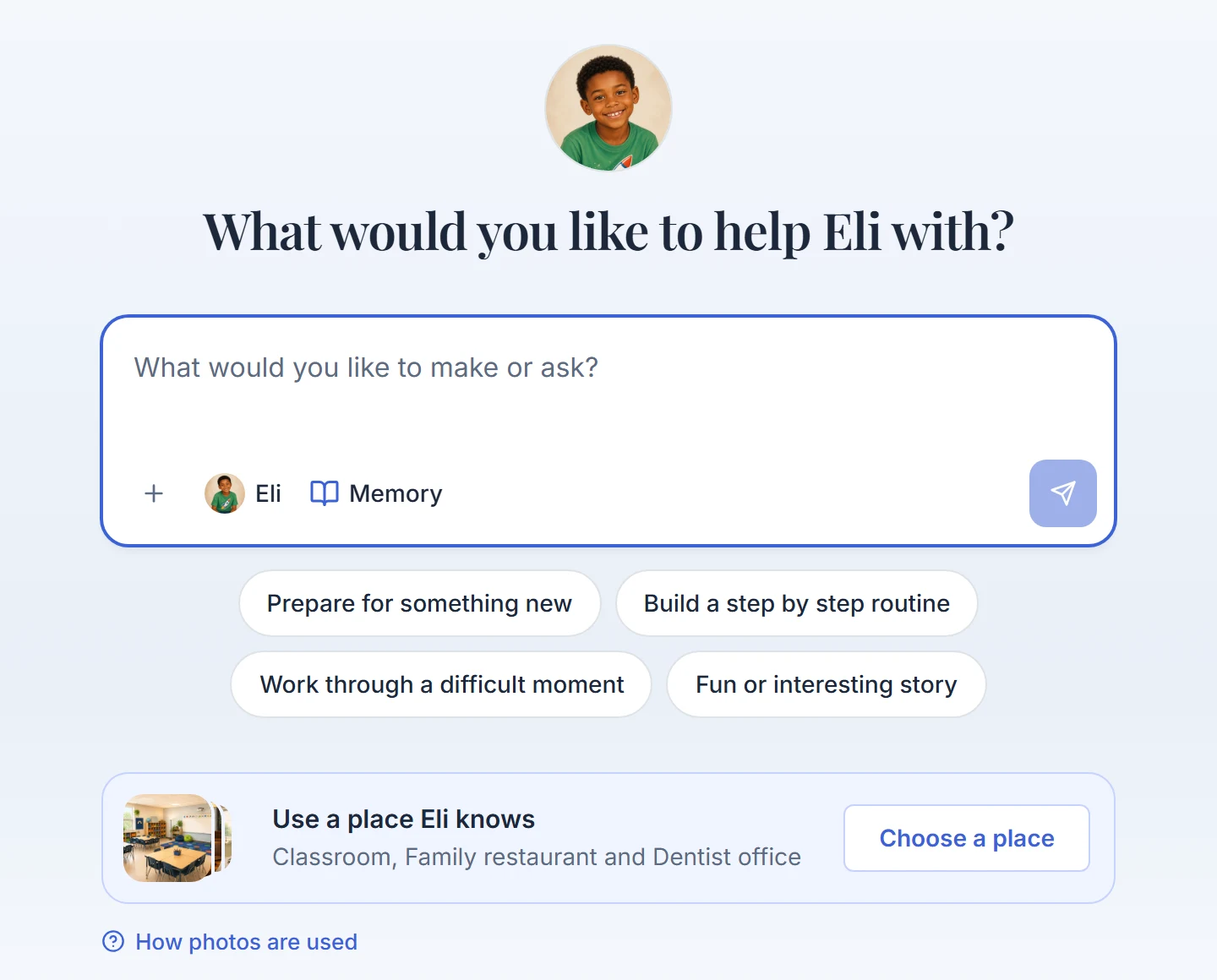
Open the Create tab. It goes straight into the chat. The picture at the top right shows who the Story is for.
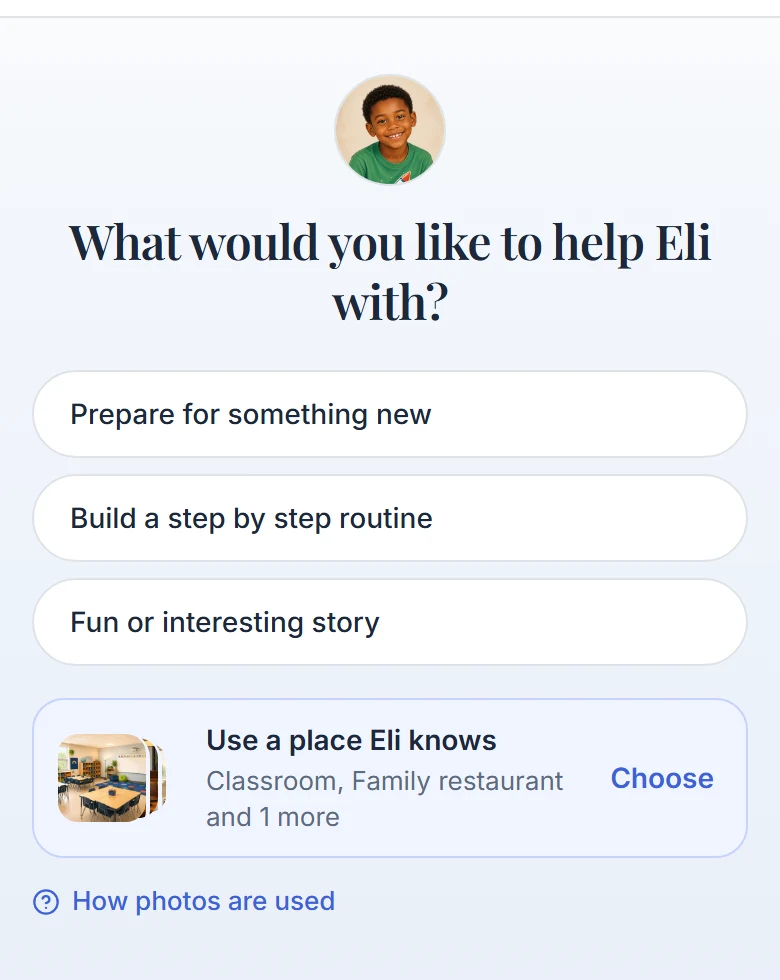
The chat opens on the person and a few starting points. Step 2: Say what the Story is for
Tap a starting point such as Prepare for something new, or type it in your own words. The assistant asks one question at a time about anything it still needs. A detailed request can go straight to a draft.
Step 3: Check the draft
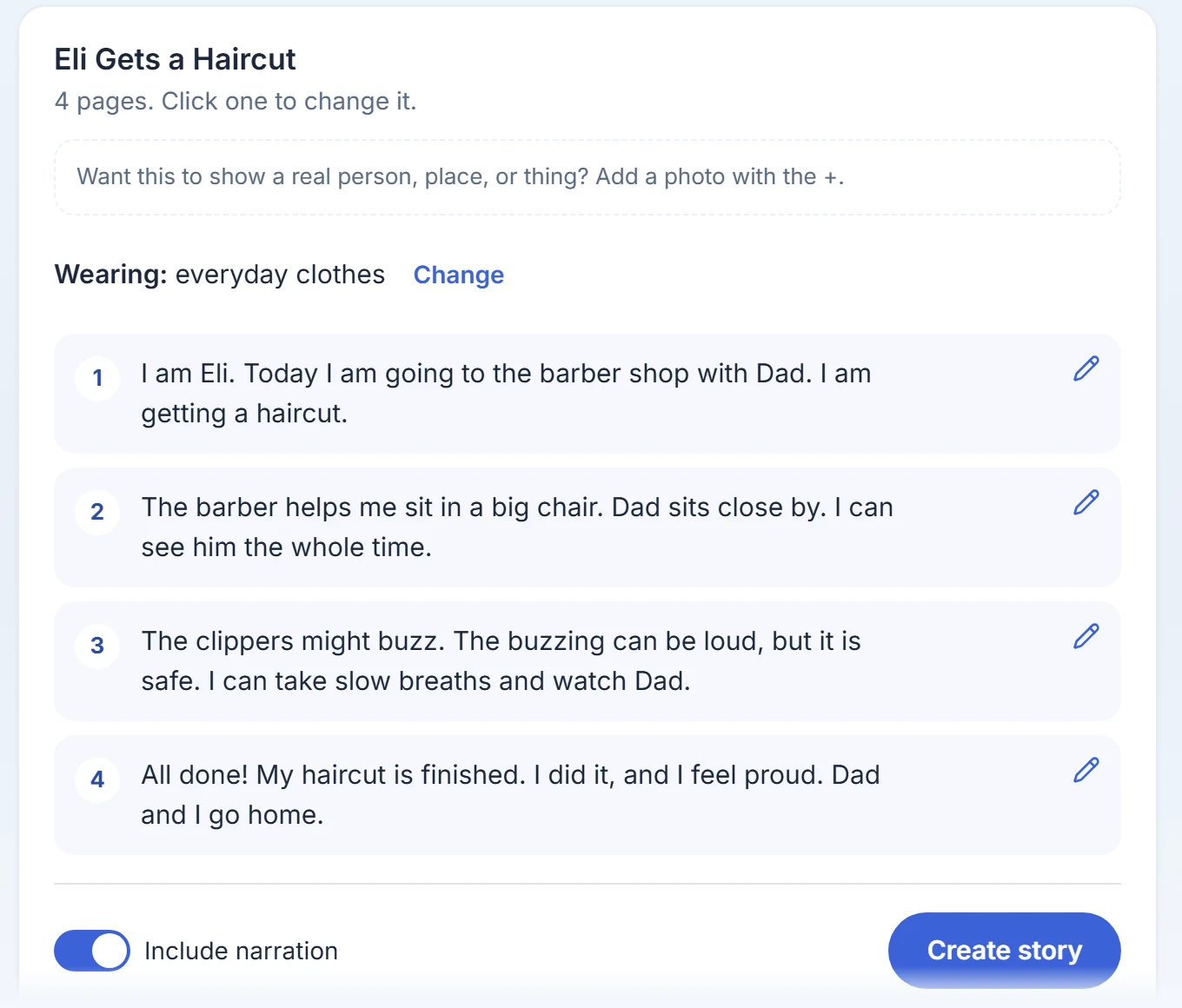
The assistant shows every page on a preview card. Tap a page to reword it, move it or remove it. You can also describe a change and get a new version. Nothing is drawn yet.
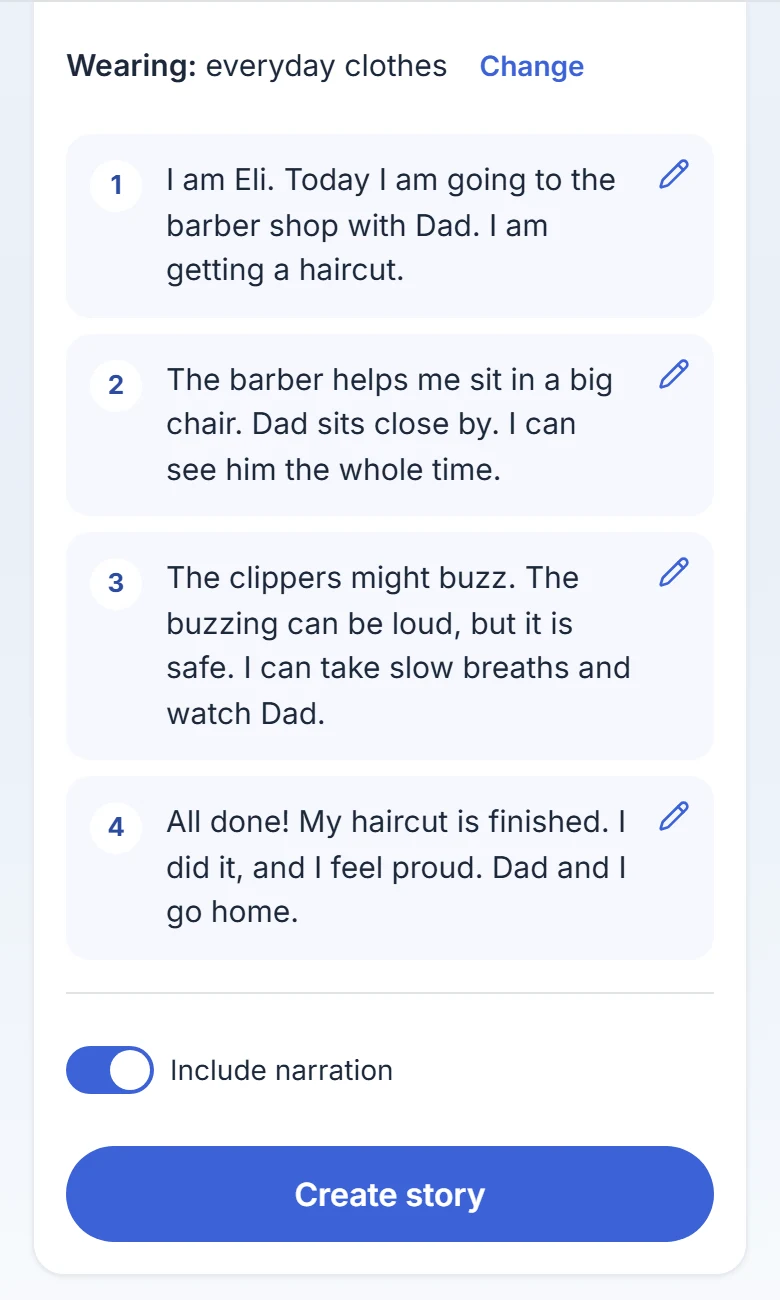
A four-page draft. The Wearing line names the clothes the pictures will use. Step 4: Choose narration, then press Create story
Leave Include narration on if you want the Story read aloud. Then press Create story. The pictures are made from the version you confirm.
Step 5: Wait for the pictures
The words are saved first. Then each picture appears as it finishes, with a count such as "Painting picture 3 of 8...". It usually takes a minute or two. Slow days can take longer.
Step 6: Read it, or fix it first
The Story opens on the review screen. Right after creating, anyone can change the words, the order and the pictures there, free plan included. Press Finish to open it in the reader.
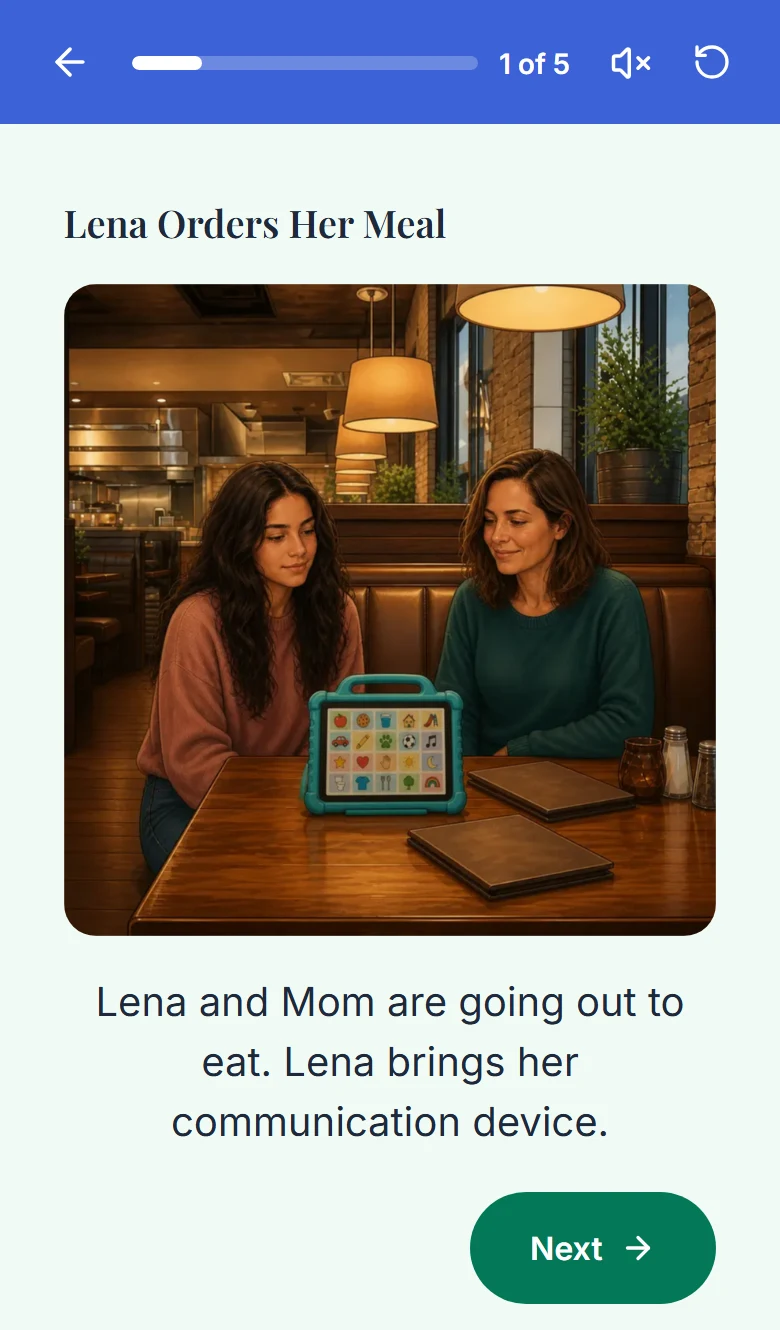
A finished Story in the reader.
Good to know
- A Story usually has five to ten pages. The assistant sizes it to the content.
- The person is the main character, and their avatar keeps the pictures looking like them. Support people and pets you have added can appear too.
- The steps are the same on the web and in the iPhone, iPad and Android apps.
- Chat is the only way to make a Story.
If something goes wrong
If some pictures fail you still have a readable Story, because the words are saved first. If every picture fails, the Story is not kept and your creation is given back.
A reply or a creation stopped, timed out or got cut offThe app retries it for free when you reopen the Story. It spends no creation and no picture change.
A picture did not finish or could not be madeDid this answer your question?
Still stuck?
Contact support and a person will answer.