
Find your way around on the web and in the app
The dashboard is home. Four places hold almost everything: Dashboard, Journeys, Daily Plan and Create. To delete a Story, Routine or Token Board, use its card in Journeys.
Updated 2 min readWeb, iPhone, iPad and Android
On this page
Where things are
| Place | What is there |
|---|---|
| Dashboard | Home. The Daily Plan card, a row of your Journeys and any draft waiting for you. |
| Journeys | Your library of Stories, Routines and Token Boards. Search it, or filter by type. |
| Daily Plan | Today's plan for the person. |
| Create | The chat, where you make everything. |
| Personalization | People, pets, World and the narration voice. |
| Account | Your plan, sign-in, the Get the app links and deleting your account. |
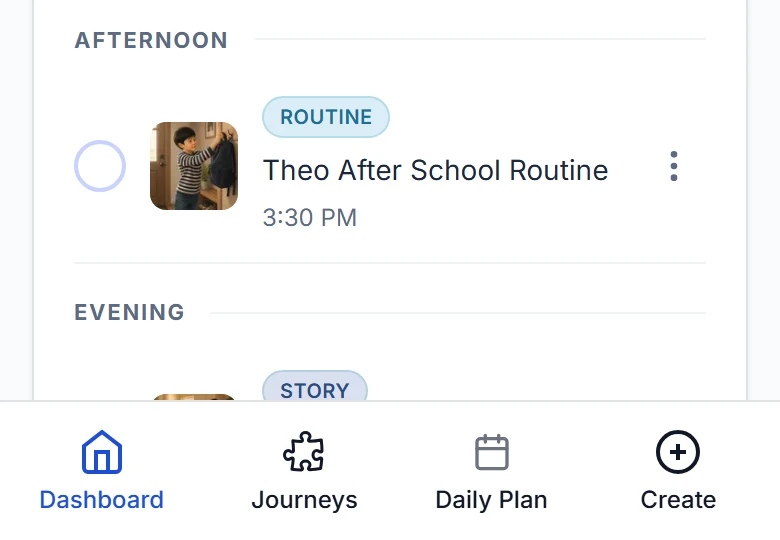
- On a phone or tablet browser, the bar at the bottom holds Dashboard, Journeys, Daily Plan and Create.
- On a computer there is no bottom bar. Start from the Dashboard: it shows the Daily Plan, a row of your Journeys with View all, and a button to create. The logo takes you back to it.
- On the web, Personalization and Account are in the account menu at the top right.
- The app opens to tabs for Dashboard, Journeys, Daily Plan and Create. Personalization is reached from the header.
Leave the chat
- Open the sidebar. On a computer it is usually open already. On a phone and in the app, tap the sidebar icon at the top left.
- Dashboard, near the bottom, goes back to the app. So does the Gentle Journeys logo at the top of the sidebar.
- Account, the last row, opens the account menu.
- Nothing is lost. Every chat with a sent message is saved.
Delete a Story, Routine or Token Board
In Journeys, open the menu on its card and choose Delete, then confirm. It is permanent. On the free plan, deleting does not give a creation back.
If something goes wrong
Creating needs a person with a finished profile. With no profile, the chat runs setup itself. If a profile exists but its avatar was never made, the chat shows a message to finish that profile, with a link to the avatar step.
Did this answer your question?
Still stuck?
Contact support and a person will answer.